
Avatar Bot
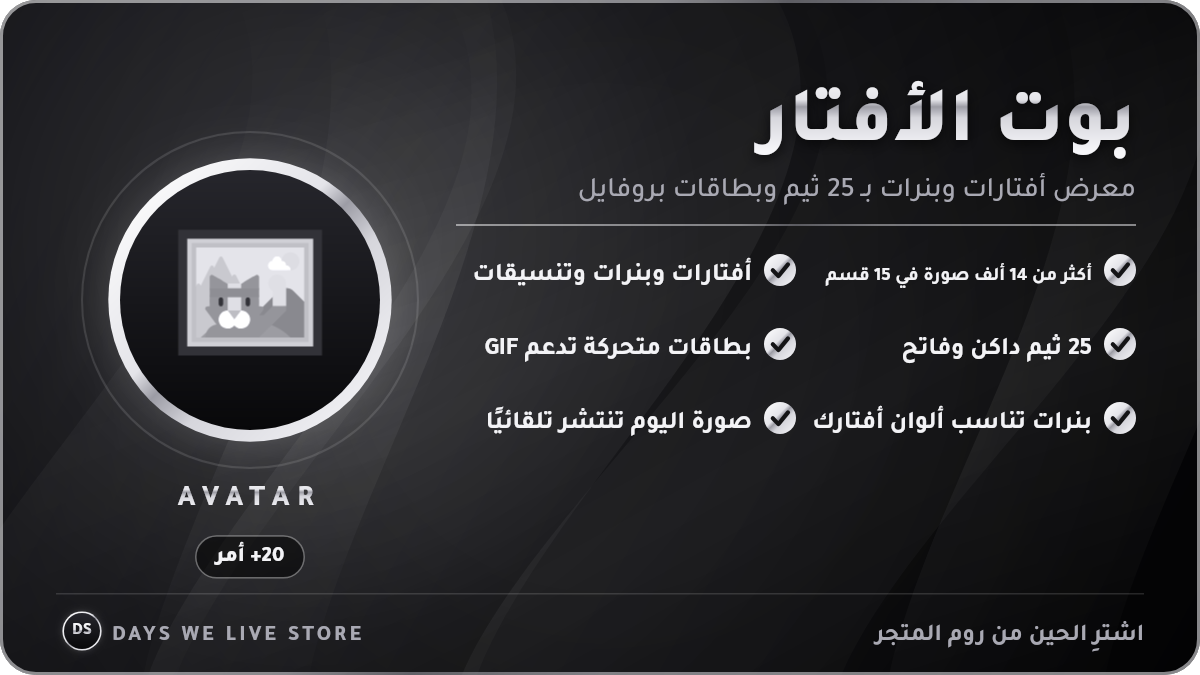
An avatar and banner gallery with 25 themes and profile cards
What does it do?
A gallery bot for avatars · banners · matching pairs that displays every image as a realistic Discord profile card with the member's own name and avatar. It comes with 25 themes (static and animated), smart color matching, favorites, leaderboards, Picture of the Day, and an upload panel with duplicate detection.
| Feature | Description |
|---|---|
| 🖼️ Gallery | 15 categories (Boys · Girls · Anime · Art · Animated · Aurora …), with over 14,000 ready-to-use images included. |
| 🎭 Themes | 25 dark and light themes; every member picks their own, and the bot owner sets the default. |
| ✨ Animated cards | Glow, shimmer and particle effects, and GIFs play right inside the card. |
| 🎨 Color matching | Analyzes the colors of your avatar and suggests the best-matching banners (colors for the core gallery are precomputed). |
| ❤️ Favorites / 🪪 My Card / 🏆 Leaderboard | Save images, show off your stats card, and see the top uploaders. |
| 🌟 Picture of the Day | Posted automatically at a set interval in a channel chosen by the admins. |
| 📤 Upload panel | Upload files or links with automatic conversion and duplicate prevention, delete by name or straight from the gallery, and keep a log of every upload and deletion. |
| ⚙️ Control panel | Every server setting in a single message. |
🧭 Chat routing (تحديد-شات) | Set an admin channel and a member channel, and route logs to channels or threads. |
| 📖 Command list | Generated from the bot's actual command registry: every command (slash commands and subcommands, prefix commands and their aliases, plus subscription commands), each with a description, an example, and who can use it, organized into categories and pages. |
Ready in minutes
Once the bot is in your server:
- 1Type
&panelto open the control panel and set the image log and picture-of-the-day channels. - 2Type
&cosendin the channel of your choice to post the gallery browser for members. - 3Turn on the picture of the day with
&daily #روم [ساعات](channel and hours). - 4Type
&helpor/اوامرto see every command with explanations and examples.
Pick your plan
Pricing is coming soon
We’re finalising our prices — follow our server to hear the moment they go live.
Get announcements on our server📋 Command list
Type &help or /اوامر for the full command list, organized by category: every command with its description, an example, and who can use it.
👥 Everyone
| Slash | Prefix | What it does |
|---|---|---|
/افتارات /بنرات /تنسيقات | — | Browse the gallery: avatars, banners, matching pairs (category and number are optional) |
/مفضلتي | — | Your favorites |
/عشوائي | &random · &عشوائي | A random card |
/يناسبني | &match · &يناسبني | Banners that match your avatar's colors |
/بطاقتي | &me · &بطاقتي | Your stats card |
/المتصدرين | &top · &المتصدرين | Top uploaders leaderboard |
/ثيم | &theme · &ثيم | Choose your theme |
/اوامر | &help · &اوامر · &مساعدة … | Command list |
🛡️ Server Management (server owner · Administrator · bot owners)
&panel (control panel) · &cosend (browsing panel) · &coupload (upload panel) · &daily #روم [ساعات] | now | off (Picture of the Day: channel and interval in hours, post now, or turn off) · &chatlogimage #روم (image log channel) · &helproom #روم | off (limit the command list to one channel, or show it everywhere) · تحديد-شات / /تحديد-شات (chat routing)
👑 Bot Owners
&owners @شخص | ايدي | list (add or remove a bot owner by mention or ID, or show the list) · Also in the panel: the default theme, bot owners, and message appearance (accent color + credits text).
💳 Subscription
/اشتراكي subscription status · /تفعيل redeem an activation code · /البوت the bot's name and avatar (plus its status on the private edition).
Ready to get started?
Join our server, or pick your bot and buy it now with your Discord ID — no sign-up, delivered instantly.