
Control Bot
A services panel: downloads, image editing, promotions and boost thank-yous
What does it do?
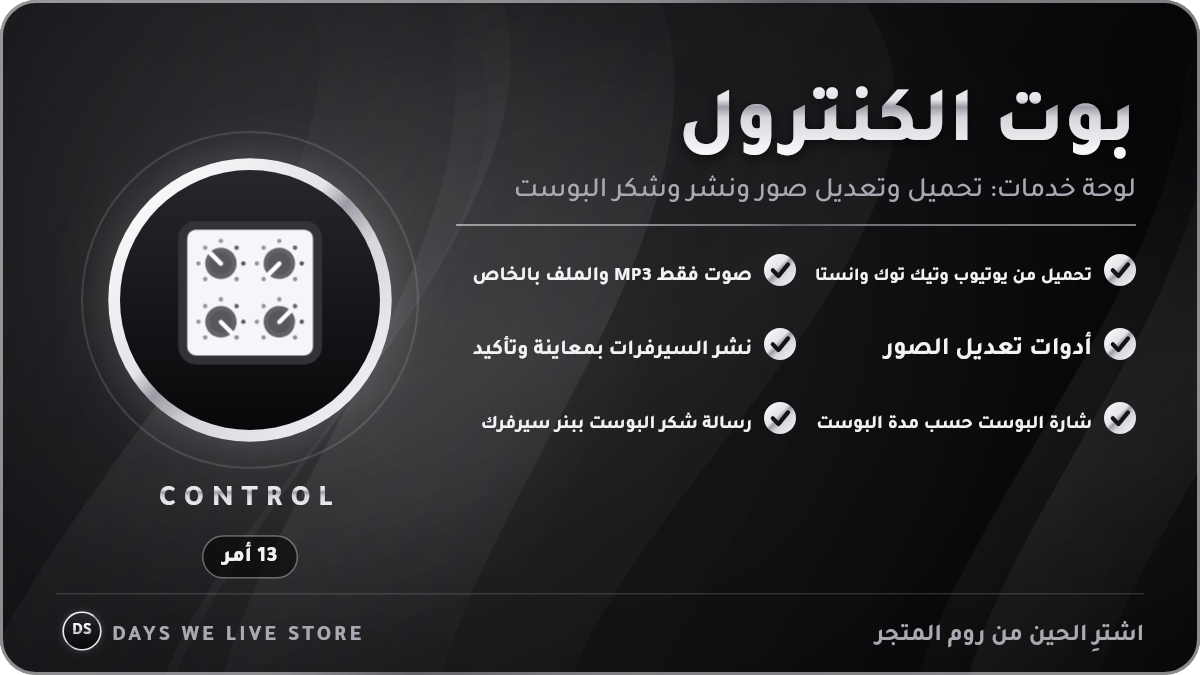
Control Bot adds a menu-driven services panel to your Discord server, built with Components V2: downloads from popular platforms, image-editing tools, server promotion, a boost badge, and a boost thank-you message ("🚀 A new star lights up our server!"), plus a full admin panel for each server's settings.
- Control panel (
controlor/كنترول): a single message with a banner, the bot's name and four menus: - 📥 Downloads: YouTube, SoundCloud, TikTok, Instagram, Pinterest, Twitter and other sites (via cobalt). Files are delivered to your DMs, with an "Audio only (MP3)" option, a download queue and a time limit.
- 🎨 Image editing: profile picture, grayscale, blur, circle crop, sepia, color invert, pixelate, mirror, and background removal (shown only when Cloudinary is set up).
- 📢 Server promotion: preview first, then confirm, with a cooldown between posts.
- 💎 Boost badge: a member's tier based on how long they've boosted this server, and the time left until the next tier.
- Disabled features are hidden from the panel, and the panel updates in place and restores itself automatically if it gets deleted.
- 🚀 Boost thank-you message (new): when someone boosts the server, the bot posts an announcement line with the server's boost count, a thank-you card with the member's avatar and perks, and a "Boosters / Thanks for your support / name" banner featuring your own server's logo. Everything is customizable from
بنل→ 🚀 Boost thank-you message: on/off, channel, a role to mention (optional), texts, perk lines, the banner's background and titles, removing Discord's default boost message, and a "Send test" button. - TikTok in DMs: a TikTok link sent to the bot in DMs is downloaded automatically, as long as the staff of a subscribed server have enabled it and the sender is a member of that server.
- Admin panel (
بنل/panel): logs, permission roles, turning each feature on or off, channels, the boost thank-you message, promotion settings and emojis, commands and prefix, the control panel's channel and banner, the server's owners, and backups. - Channel routing (
تحديد-شات): an admin channel and a member channel (channels or threads), plus moving or merging logs. - Command list (
helpor/اوامر): every command (text commands, slash commands with their subcommands, and subscription commands) with a description, an example and who can use it, organized into sections and pages.
Ready in minutes
Once the bot is in your server:
- 1Type
controlin the channel you want for the control panel (or set it fromبنل). - 2Open
بنل→ permission roles and choose who can download, edit and promote. - 3From
بنل, set the log, promotion and boost channels. - 4From
بنل→ boost thank-you message, pick the channel and try it with “Send test”.
Pick your plan
Pricing is coming soon
We’re finalising our prices — follow our server to hear the moment they go live.
Get announcements on our server📋 Command list
| Command | Slash | Who can use it | Description |
|---|---|---|---|
help / اوامر | /اوامر | Everyone | Command list with descriptions |
بوست / boost | /بوست | Members (in the member channel) | Boost badge |
status / حالة | /الحالة | Admins | Ping, memory and database health |
panel / بنل | — | Admins (editing is owners-only) | Admin panel |
تحديد-شات | /تحديد-شات | Admins | Admin, member and log channels |
control | /كنترول | Owners | Post the control panel |
csettings | — | Owners (by mentioning the bot) | Settings via messages |
owners | — | Owners (by mentioning the bot) | This server's owners |
downloadlog / actionlog | — | Owners | Download log / action log channel |
The default prefix is empty (commands work without a prefix), and each server can change it from بنل → Commands & Prefix. Sensitive owner commands (owners and csettings) must be preceded by a mention of the bot when no prefix is set.
Ready to get started?
Join our server, or pick your bot and buy it now with your Discord ID — no sign-up, delivered instantly.