
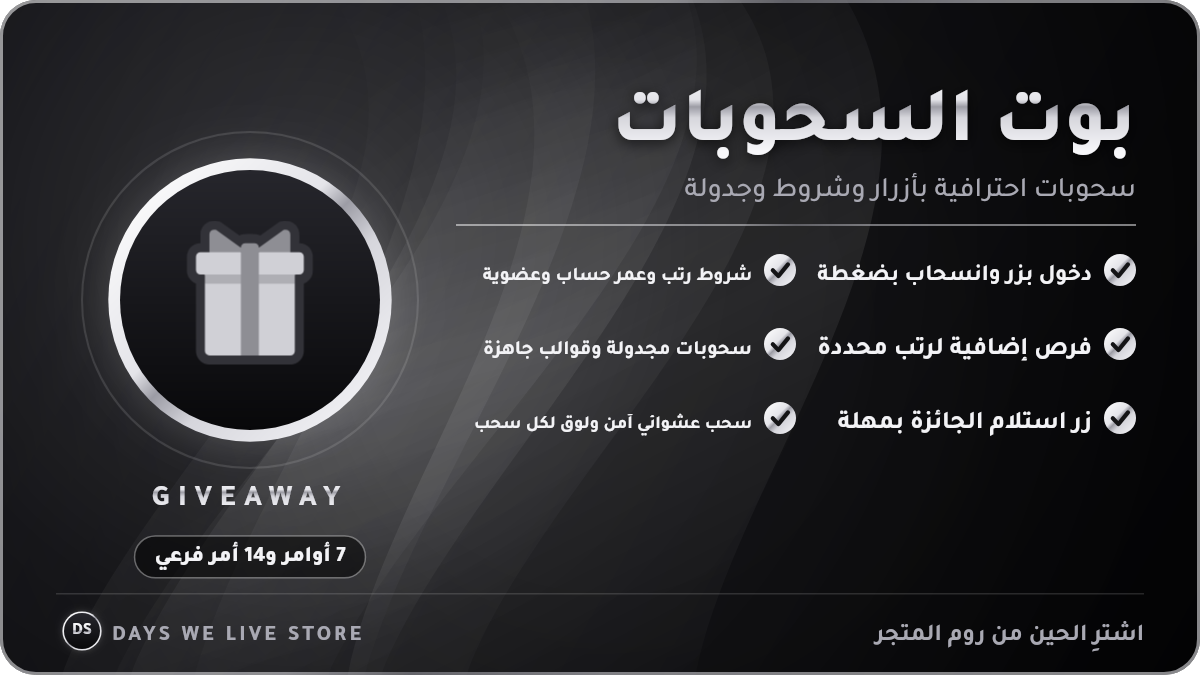
Giveaway Bot
Professional giveaways with buttons, requirements and scheduling
What does it do?
Professional, button-driven giveaways: entry requirements, bonus entries, scheduled giveaways, ready-made templates, a prize-claim button, and a full log for every giveaway.
| Product ID | giveaway |
| Intents | Guilds, GuildMembers ⚠️ (privileged), GuildVoiceStates |
| Permissions (invite link) | View Channel, Send Messages, Embed Links, Read Message History, Attach Files (117760) — no Administrator required |
⚠️ Server Members Intent must be enabled in the bot's application settings on Discord (it is needed to check role requirements and membership age, both when members enter and at the draw).
Ready in minutes
Once the bot is in your server:
- 1In
/giveaway settings, setlog_channelfor the log channel andmanager_rolefor the organiser role. - 2Set the colour, claim deadline and time zone (Gulf time, UTC+3, by default).
- 3Your first giveaway:
/giveaway start prize:نيترو duration:1d winners:1.
Pick your plan
Pricing is coming soon
We’re finalising our prices — follow our server to hear the moment they go live.
Get announcements on our server📋 Command list
Commands are for the “Giveaway Organizer” role or members with Manage Server; settings are for Manage Server only.
| Command | What it does |
|---|---|
/giveaway start prize duration [winners] [channel] [description] … | Creates a giveaway. Write the duration like 1d 12h or ساعتين (“two hours”). The extra options are listed below the table |
/giveaway end giveaway | Ends the giveaway immediately and draws the winners |
/giveaway reroll giveaway [count] | Draws replacement winners, excluding previous winners |
/giveaway edit giveaway [prize] [duration] [winners] [description] | Edits a running, paused or scheduled giveaway. description: - removes the description |
/giveaway pause / resume giveaway | Pause and resume; the remaining time is preserved |
/giveaway list | Running, paused and scheduled giveaways |
/giveaway cancel giveaway | Cancels the giveaway without a winner |
/giveaway entrants giveaway [public] | The entrant list as a CSV file, for full transparency |
/giveaway template save / use / list / delete | Ready-made templates. use accepts channel, prize, duration, winners and start_at to override the template's values |
/giveaway settings [manager_role] [log_channel] [color] [claim_timeout] [utc_offset] [clear] | Settings. clear resets a single setting (or all) to its default |
/تحديد-شات | Admin channel, member channel, and log routing |
/help | The full command list (bot commands and subscription commands) organized by category: every command and subcommand with a description, an example, and who can use it, plus the total count at the top |
/ping | Checks that the bot is responding |
Extra /giveaway start options:
- Requirements:
required_role(up to 3 roles) withrequired_mode(any one of them / all of them), plusblocked_role,account_ageandmember_age. - Bonus entries:
bonus_rolewithbonus_entries. - Scheduled giveaway:
start_ataccepts2h,21:00or2026-11-20 21:00. - Appearance:
colorsets the embed color (e.g.#F1C40F). - Claiming:
claim_timeoutfor the “Claim prize” button (e.g.24h). - Templates:
templatefills in the remaining options from a template, andsave_templatesaves the giveaway as a template.
Good to know:
- Picking a giveaway: from the list (giveaway number, prize, channel), by message ID, or by message link.
- Entering: members join with a button, and pressing it again offers the option to leave. Requirements are checked both at entry and at the draw, and anyone who is turned away gets a private message with the exact reason.
- Winners: drawn with secure randomness (
crypto.randomInt), and each winner receives a DM (if their DMs are closed, the claim button is still right under the announcement). - If the bot goes down: the end time is stored in the database, so the giveaway is drawn as soon as the bot is back online, with no duplicate messages or announcements.
Ready to get started?
Join our server, or pick your bot and buy it now with your Discord ID — no sign-up, delivered instantly.