
Protection Bot
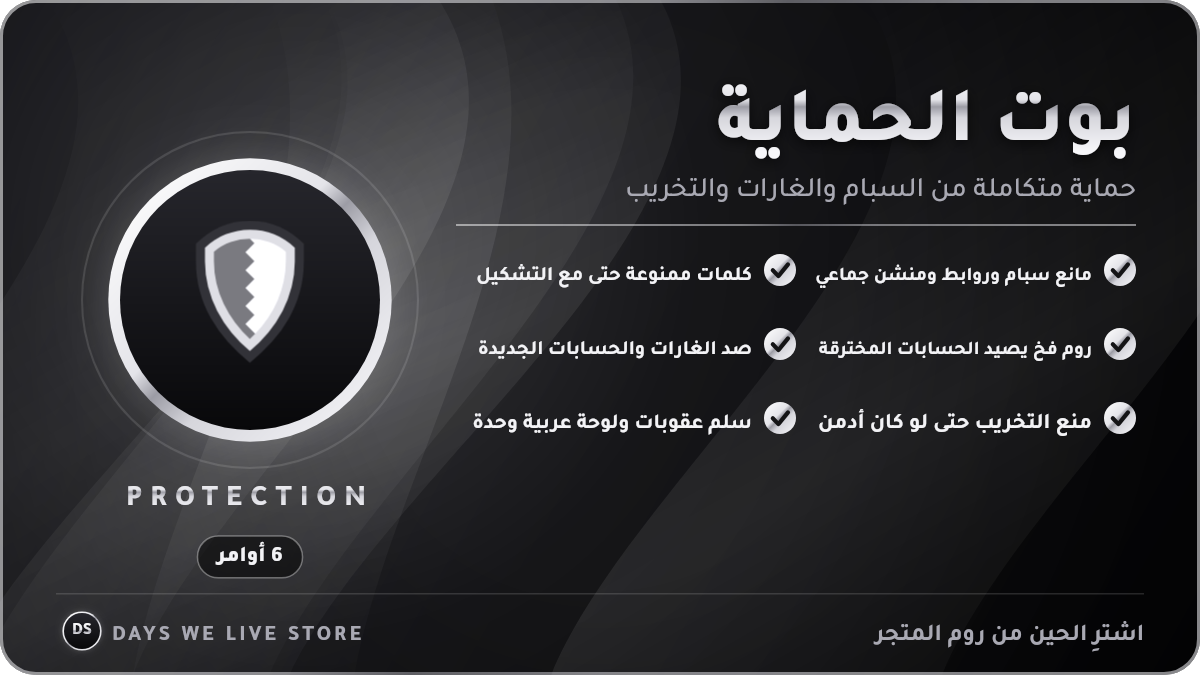
Complete protection against spam, raids and sabotage
What does it do?
Protection Bot is a complete security suite for Discord servers. It shields your chat from spam, links, mass mentions and banned words, catches compromised accounts with a trap channel, stops raids and suspicious new accounts, and blocks sabotage (mass deletions and creations, webhooks, unauthorized bots) even when the attacker is an admin. Everything is managed from a single Arabic panel: /حماية.
💬 Message Protection
| Protection | What it does | Default |
|---|---|---|
| Spam | Rapid-fire messages (6 within 5 seconds) or the same message repeated (4 times within 30 seconds): the whole burst is deleted at once | On |
| Links | Server invite links (Discord invites, even when disguised with spaces or hidden characters), or every link except your allowed domains | On (invites only) |
| Mass mentions | Any message with 6 or more mentions | On |
| Everyone mentions | @everyone and @here from members without permission (a classic sign of a compromised account) | On |
| Banned words | Your own list, caught even with diacritics, stretched letters or hamza variations. Write a word as *كلمة* to catch it inside other words too | On (list starts empty) |
Every violation deletes the message, issues a warning and posts a short notice in the channel that disappears after a few seconds. Warnings escalate along the punishment ladder (default: 2 warnings = 10-minute timeout, 3 = 1 hour, 4 = 6 hours, 5 = 1 day), and each warning expires after 24 hours. Both the ladder and the warning lifetime can be changed from the panel (for example: 2=10m, 3=1h, 5=kick, 6=ban). Edited messages are checked too, so nobody can slip a link in after sending.
🪤 The Trap Channel (honeypot)
A channel where nobody should ever post. Any message sent there is deleted and its author is punished instantly (default: 28-day timeout), and the bot also wipes that user's recent messages across every channel (the last 2 minutes). It catches compromised accounts and spam bots that blast the same message into every channel. The Post Warning Message button sends a warning card with an image and pins it (you can use your own image).
🚪 Join Protection
- Raids: If 10 accounts join within 10 seconds, raid mode switches on for 10 minutes (extended while the joins keep coming), and everyone who joins gets the configured action (default: 1-hour timeout; or kick, ban, or log only). You can also turn raid mode on and off manually from the panel.
- New accounts: Accounts younger than 7 days are flagged in the log, or timed out, kicked or banned if you prefer.
- Bot-add protection: Any bot added by an untrusted member is kicked, and the member who added it is punished.
- Join log: Every member who joins is logged with their account age and creation date.
🏰 Anti-Sabotage Server Protection
Powered by Discord's live Audit Log:
- Webhooks: Any webhook created by an untrusted member is deleted immediately.
- Mass deletions and creations: Channel deletions (3 within a minute), channel creations (5), role deletions (3), role creations (5), bans (5) and kicks (5). Channels and roles created in bulk are deleted, and mass bans are reversed.
- Punishment (for webhooks, bots and limit breaches): role stripping (the default, which neutralizes a compromised moderator; if they still hold dangerous permissions from roles above the bot, they are kicked), or timeout, kick, ban, or log only.
- Admins are not exempt here, since the goal is to stop compromised accounts. Exempt: the server owner, the bot itself, trusted entries, and Discord-verified bots (this last exemption can be turned off from the panel).
📋 Lists
- Trusted (members, bots, roles): no protection applies to them. Add any of your bots that create webhooks or channels here (ticket bots, for example).
- Exempt from message protection (channels or categories, roles, members).
- Admins are exempt from message protection (this can be turned off from the panel).
📝 Logs
One channel for the protection log (violations, punishments, raids, sabotage attempts) and another for the join log. Log entries are grouped and sent in batches (5 cards per message, with all of a raid's actions in a single card) so the bot never runs into Discord's rate limits.
Ready in minutes
Once the bot is in your server:
- 1Move the bot’s role as high as possible — it can’t punish anyone ranked above it.
- 2Type
/حماية, press “Check permissions” and make sure everything shows ✅. - 3Under “Logs”, choose the protection log channel (and a join log channel if you like).
- 4Under “Lists”, add trusted members: senior moderators and your own bots.
Pick your plan
Pricing is coming soon
We’re finalising our prices — follow our server to hear the moment they go live.
Get announcements on our server📋 Command list
| Command | What it does | Who can use it |
|---|---|---|
/حماية | The full control panel | Manage Server |
/تحذيرات عرض عضو:@العضو | View a member's active warnings (with a clear button) | Timeout Members |
/تحذيرات مسح عضو:@العضو | Clear a member's warnings | Timeout Members |
/مساعدة | Every command with an explanation and an example for each | Everyone |
/مساعدة is built from the commands actually registered (subscription commands included), so any new command shows up there automatically.
Ready to get started?
Join our server, or pick your bot and buy it now with your Discord ID — no sign-up, delivered instantly.