
Temp Voice Bot
Private voice channels that create and delete themselves
What does it do?
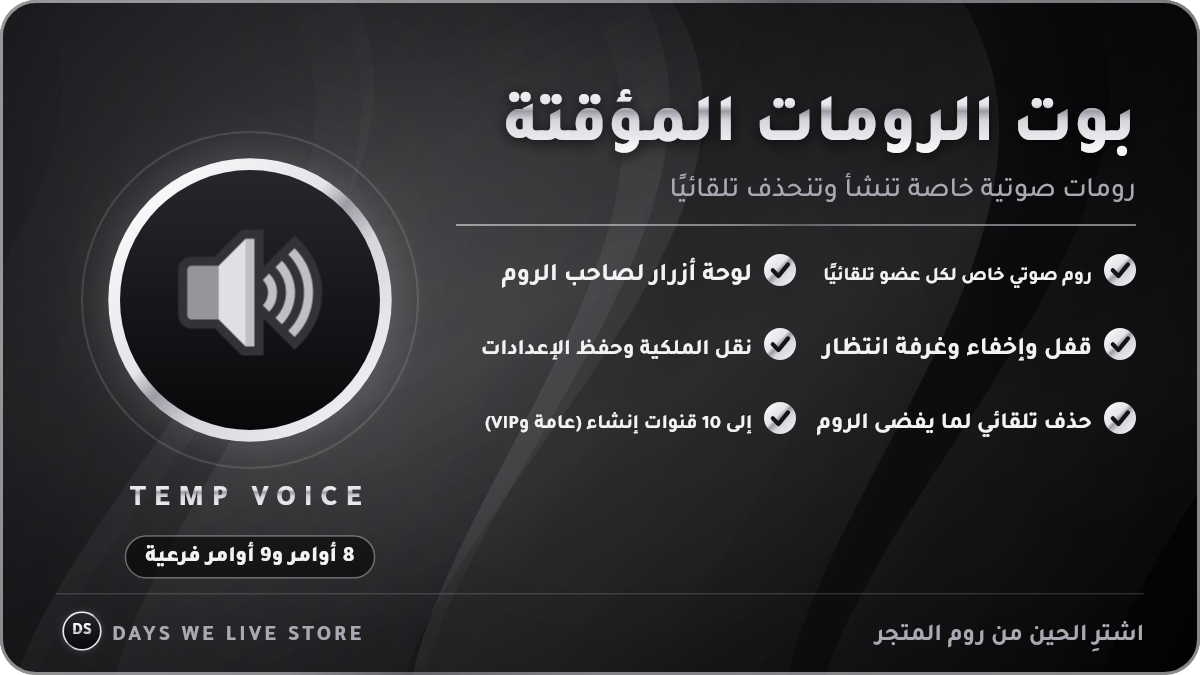
When a member joins a “create channel”, the bot instantly creates their own voice channel, moves them into it, and makes them its owner, with full control from a button panel. The channel is deleted automatically once it empties (after 5 seconds by default). Bots don't count as members.
| Product ID | tempvoice |
| Intents | Guilds, GuildVoiceStates (no privileged intents) |
| Permissions (invite link) | View Channel, Manage Channels, Manage Roles, Move Members, Connect, Speak, Stream, Send Messages, Embed Links, Read Message History (288443920) — no Administrator required |
Most importantly, the bot's role must have these permissions in the category where the voice channels are created.
Ready in minutes
Once the bot is in your server:
- 1Create a voice channel inside a category (e.g. “➕ Create your room”) to act as the creator channel.
- 2Type
/temp setup channel:<الروم>or use the/configpanel → “Add creator channel”. - 3Optional:
/temp settings log:<روم>for a log channel, and/temp panel channel:<روم>for a public panel.
Pick your plan
Pricing is coming soon
We’re finalising our prices — follow our server to hear the moment they go live.
Get announcements on our server📋 Command list
Admin commands (for members with Manage Server):
| Command | What it does |
|---|---|
/temp setup channel [category] [label] [name] [limit] [log] | Adds a “create channel” (up to 10, e.g. General, VIP…). category is optional and defaults to the create channel's own category |
/temp name template [trigger] | Name format, e.g. روم {user} (“{user}'s room”), with {count} for the channel number |
/temp limit limit [trigger] | Default member limit (0 = unlimited) |
/temp panel [channel] [style] | Posts a public control panel; style changes the button style of every panel in the server |
/temp list | Create channels and their status, plus active channels and each one's owner |
/temp delete channel | Deletes a temporary channel manually |
/temp remove trigger | Unregisters a create channel |
/temp settings [log] [clear_log] [style] [delay] | Log channel, button style, and deletion delay (0–300 s) |
/temp reset [everything] | Resets the settings after confirmation (with everything, all create channels are unregistered too; existing channels stay until they empty) |
/تحديد-شات | Admin channel, member channel, and log routing |
/help | The full command list (bot commands and subscription commands) organized by category: every command and subcommand with a description, an example, and who can use it, plus the total count at the top |
/ping | Checks that the bot is responding |
The channel owner's panel is posted automatically in the voice channel's own text chat:
- Rename, member limit, privacy (public / locked / hidden), waiting room, chat lock, and voice region.
- Trust and untrust, invite, kick, and block or unblock.
- Claim ownership (any member in the channel can claim it once the owner has left), transfer ownership, delete (with confirmation), and Save my settings to reuse them for every new channel.
Only the owner can use the buttons; anyone else gets a private refusal message. Staff members can't be kicked or blocked. Renaming is allowed twice every 10 minutes (a Discord limit), and a third attempt shows you the remaining wait time.
- Channel names can't contain links or server invites.
- Anti-spam: at most 3 new channels per member every 2 minutes; after that, the member stays in the create channel and their channel is created automatically as soon as they are eligible again.
- Protection bots that restore deleted channels (the “prevent channel deletion” feature found in some protection bots): add this bot to that bot's trusted list, otherwise every empty channel it deletes will come back as a copy. This bot won't delete those copies (it didn't create them) and posts an alert in the log channel instead.
After any restart: channels, their panels and their ownership carry on as before, any channel that emptied while the bot was offline is deleted, anyone waiting in a create channel gets their channel, and any leftover channel with no record is cleaned up within minutes.
Ready to get started?
Join our server, or pick your bot and buy it now with your Discord ID — no sign-up, delivered instantly.